Past event — This event ended 4 days ago.
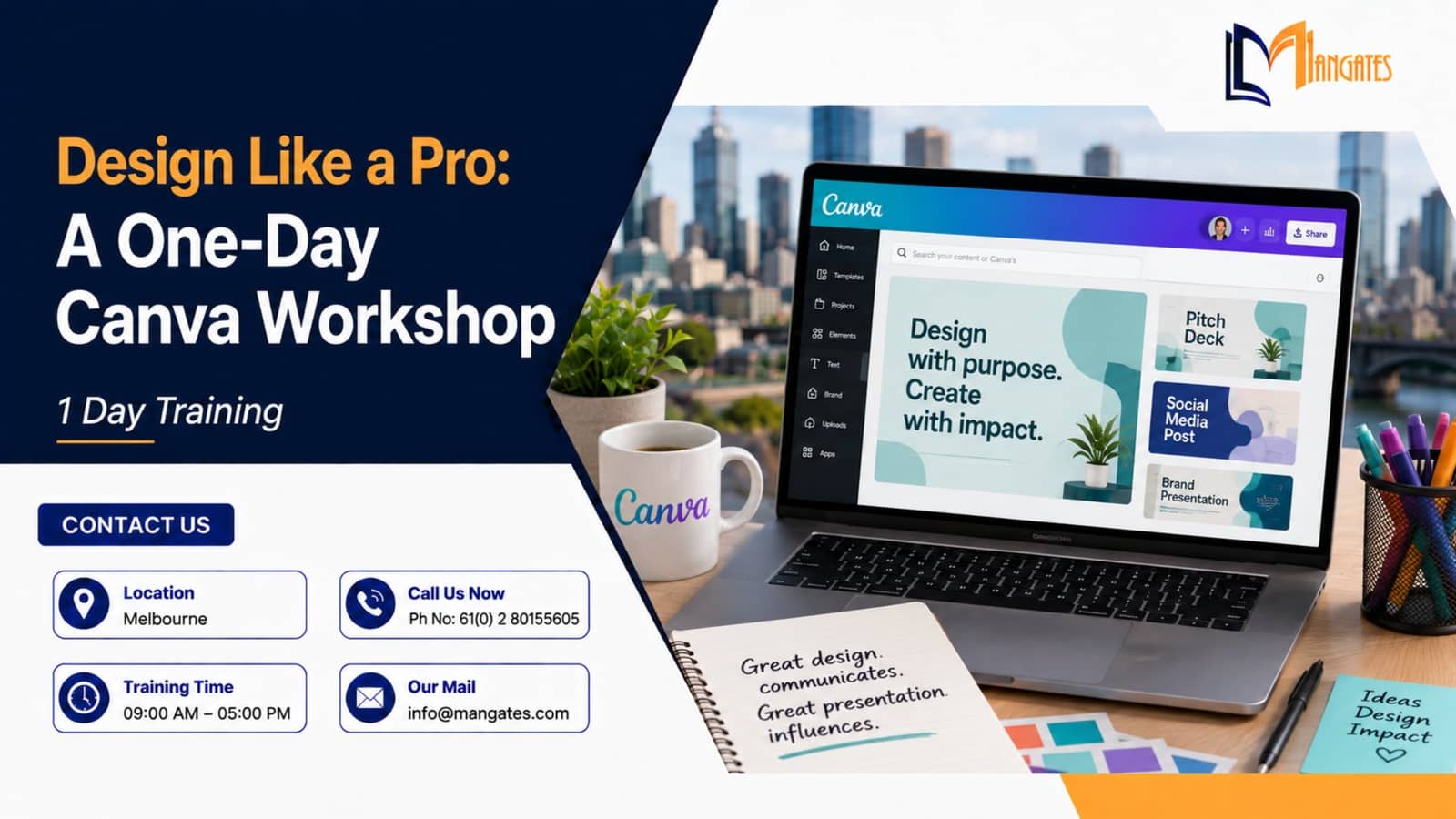
Design Like a Pro: A One-Day Canva Workshop in Melbourne
About the event
Overview
Master Canva to create professional, on-brand social media designs with hands-on practice in templates, branding, media, and content planning.
Ready to secure your spot? 🎯 Register now and complete your payment securely via Stripe Checkout! [Click Here](https://buy.stripe.com/eVq00jgyK46OgOcgCE2oE44)
Program Details
Duration: 1 Full Day (8 Hours) Delivery Mode: Classroom (In-Person) Language: English Credits: 8 PDUs / Training Hours Certification: Course Completion Certificate Refreshments: Lunch, Snacks, and beverages will be provided during the session
Every Confident Designer Has a Day One. This Could Be Yours. For general enquiries or booking your slot, contact us at:
[info@mangates.com](info@mangates.com) +61 (0) 2 80155605
Course Overview:
The Design Gap No One Talks About
Their feed looked fine. Not bad, just forgettable. Every post used the same template, the same stock photo style, the same font picked at random months ago. Nothing looked broken, it just never quite looked like theirs.
That's the gap most people hit long before they ever open a design tool properly. Not a lack of creativity, just a lack of the right skills to translate an idea into something that actually looks professional.
The Moment Design Stops Feeling Like Guesswork
Picture this: someone opens Canva, pulls up a template, and instead of leaving it as-is, adjusts the colors to match their brand, swaps the font, repositions the text, and exports a post that finally looks intentional.
That's not talent. That's a skill, and it's exactly what this one-day workshop is built to teach.
How the Day Unfolds
• Module 1: Getting Started with Canva — They explore Canva's interface and workspace, and start recognizing the right formats for Instagram, Facebook, LinkedIn, and YouTube. • Module 2: Essential Design Principles — They practice layout, spacing, and alignment, and start noticing why some designs feel balanced and others feel off. • Module 3: Templates, Branding & Customization — Through a role-play, they learn how to select and personalize templates, layering in brand colors, fonts, and logos.\ • Module 4: Creative Social Media Graphics — A case study pushes them to design posts for real engagement, using effects, transparency, and story formats. • Module 5: Using Images, Icons & Media Tools — A simulation has them working with stock photos, icons, and overlays until the visuals feel sharp and intentional. • Module 6: Editing, Resizing & Content Variations — A group brainstorm surfaces quick techniques for resizing and repurposing one design across multiple platforms. • Module 7: Exporting & Publishing Designs — By the end of the day, they aren't just experimenting, they're exporting polished designs and building an actual content calendar.
What Changes By the End
Attendees leave able to:
• Understand Canva's interface and essential tools • Use design principles for professional visuals • Customize templates for brand identity • Create platform-specific social media graphics • Work confidently with media, icons, and effects • Resize and repurpose content for different platforms • Export and publish polished, high-quality designs
Who Finds Themselves Here
• Social media beginners • Entrepreneurs and small business owners • Marketing and communication teams • Students and freelancers • Content creators and influencers • Anyone wanting to design without advanced software
Real Practice, Not Passive Listening
Every attendee works hands-on with real design projects, live, in the room. The scenario above isn't hypothetical, it reflects exactly what happens to most people who walk in without a design background and walk out designing with confidence.
Bring This to Your Organization
Picture an entire marketing team producing consistent, on-brand visuals without waiting on a designer for every post. This workshop is available as a customized in-house session, on-site or virtual, with group pricing for teams ready to build that…